


The D-U-N-S® Number is a globally recognized 9-digit business identifier issued by Dun & Bradstreet (D&B). For Saudi companies and establishments, it is mandatory to open an Organization developer account on both the Apple App Store and Google Play Console — and requesting it through the developer lookup workflow is 100% free (0 ).
Step 1: Prepare Matching English Legal Documents
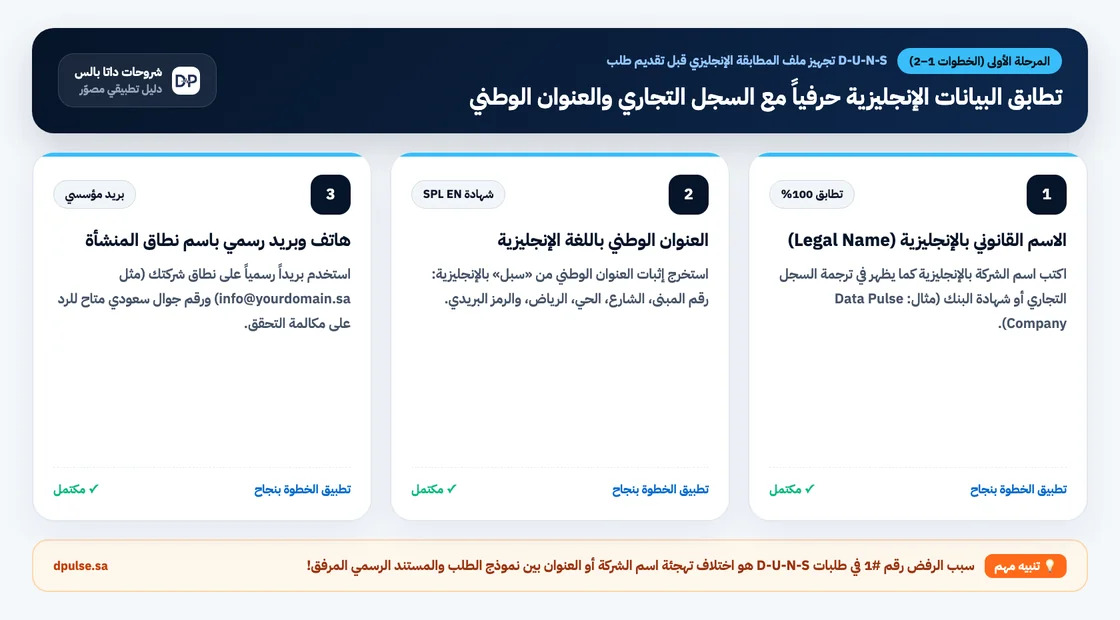
- English Legal Name: Use the exact English spelling on your Saudi Commercial Registration or corporate bank certificate (e.g.,
Data Pulse Company). - English National Address Proof: Download your bilingual PDF from SPL (see SPL Guide) with Building No., Street, District, City, and 5-digit Postal Code.
- Corporate Domain Email: Use an official domain address such as
info@yourdomain.sa(see .sa Domain Guide).
Step 2: Submit Free Request via Apple D-U-N-S Lookup
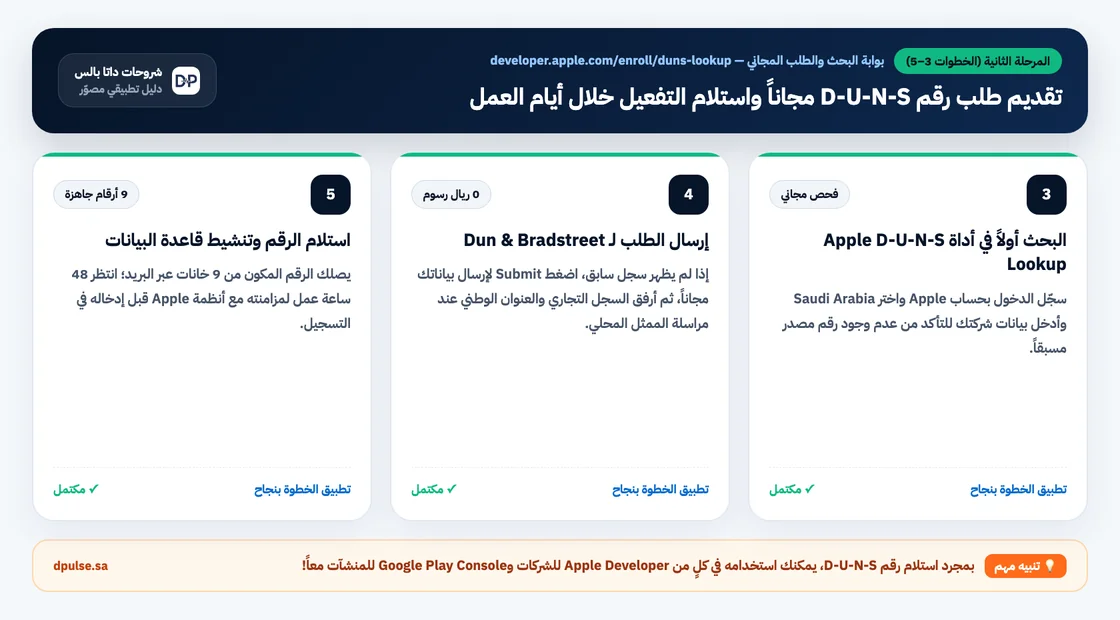
Open developer.apple.com/enroll/duns-lookup, select Saudi Arabia, enter your company’s English details, and submit to D&B if no existing record is found. Reply to the regional verification email with your CR and SPL Address PDFs. Once your 9-digit D-U-N-S number arrives, wait 24–48 business hours for database sync, then proceed to our Apple Developer Organization Guide and Google Play Console Guide.
Your Next Action Step